Fourthwall Integration Quick Start Guide
EchoBrain is now available as an app on Fourthwall, making it easier than ever to collect and showcase verified reviews for your products. Follow this guide to integrate EchoBrain with your Fourthwall shop and start gathering customer feedback seamlessly. Signing up now only takes authorizing EchoBrain on Fourthwall — there’s no separate form to fill out.
Step 1: Start the Sign Up
You can kick things off from either side:
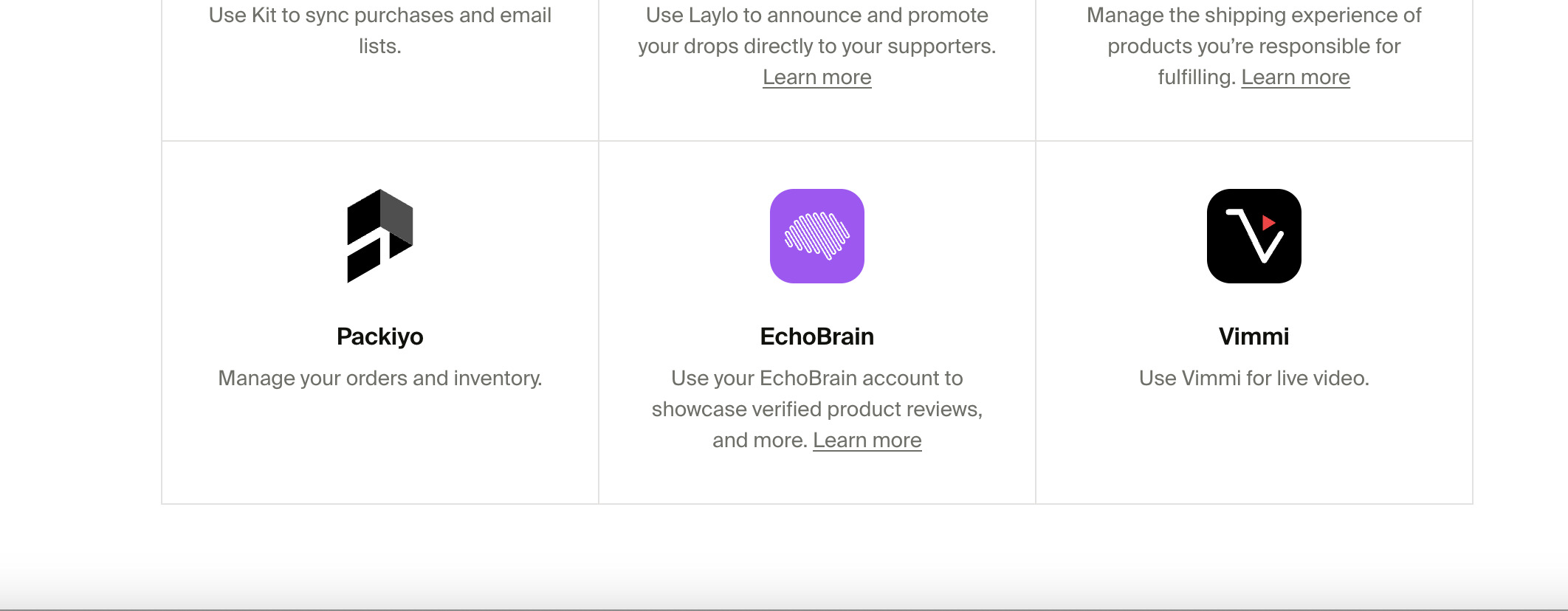
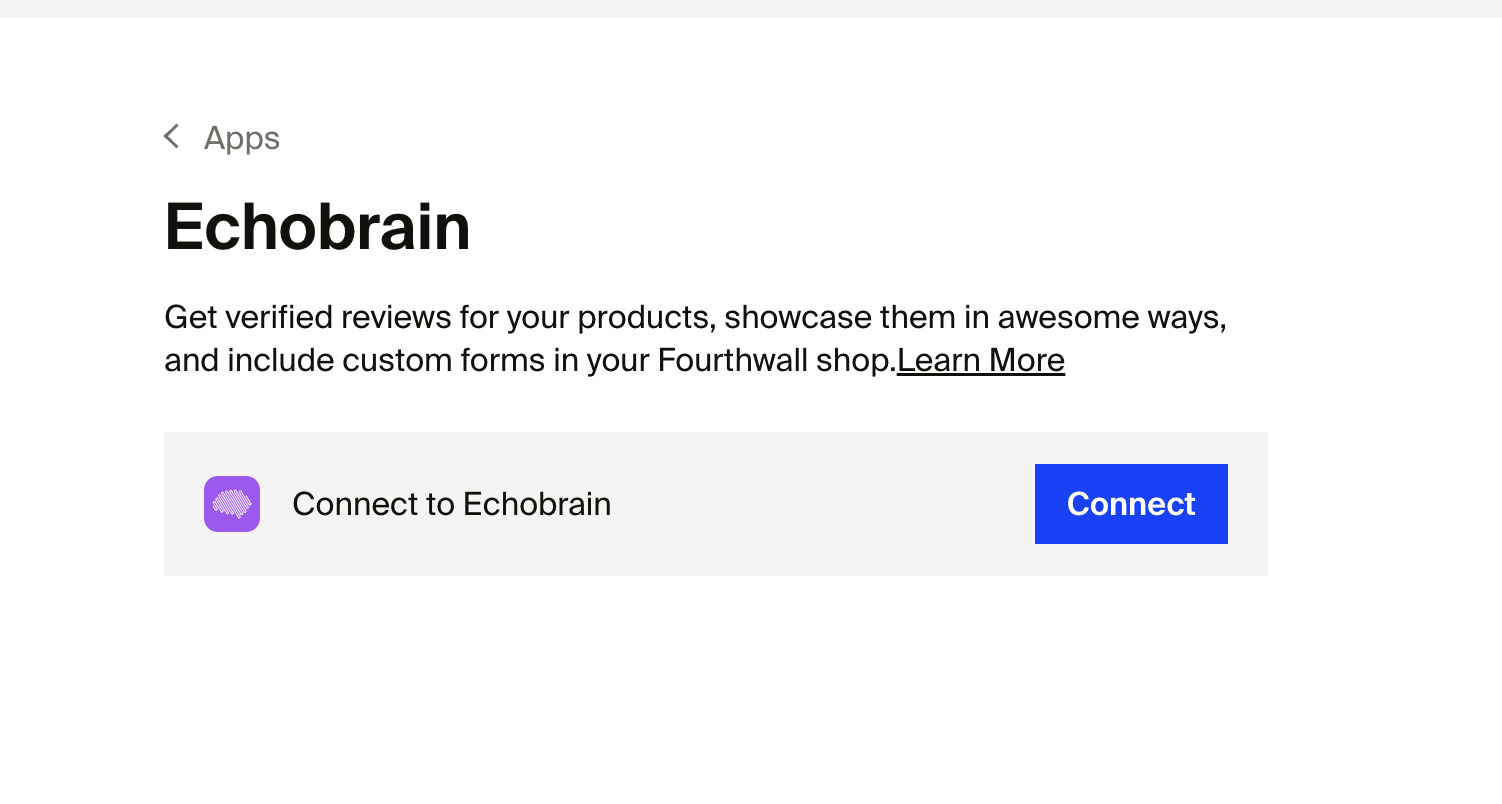
- From Fourthwall: Log in to your Fourthwall shop admin dashboard, navigate to the Apps section, find EchoBrain in the list, and click Connect.
- From EchoBrain: Go to app.echo-brain.com and click “Sign up with Fourthwall”.
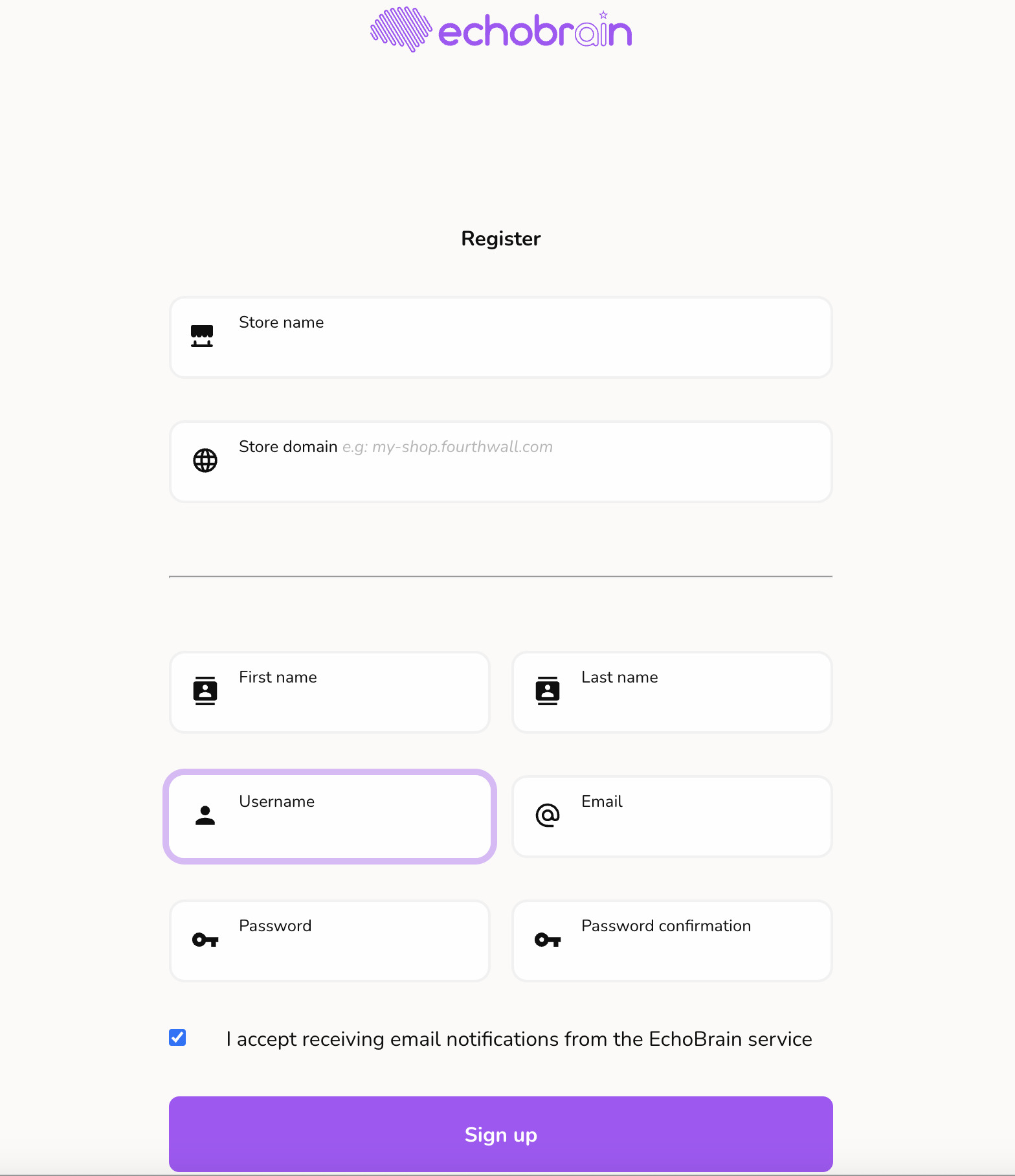
Either way, you’ll end up at the same place: Fourthwall’s authorization screen.
Step 2: Authorize EchoBrain on Fourthwall
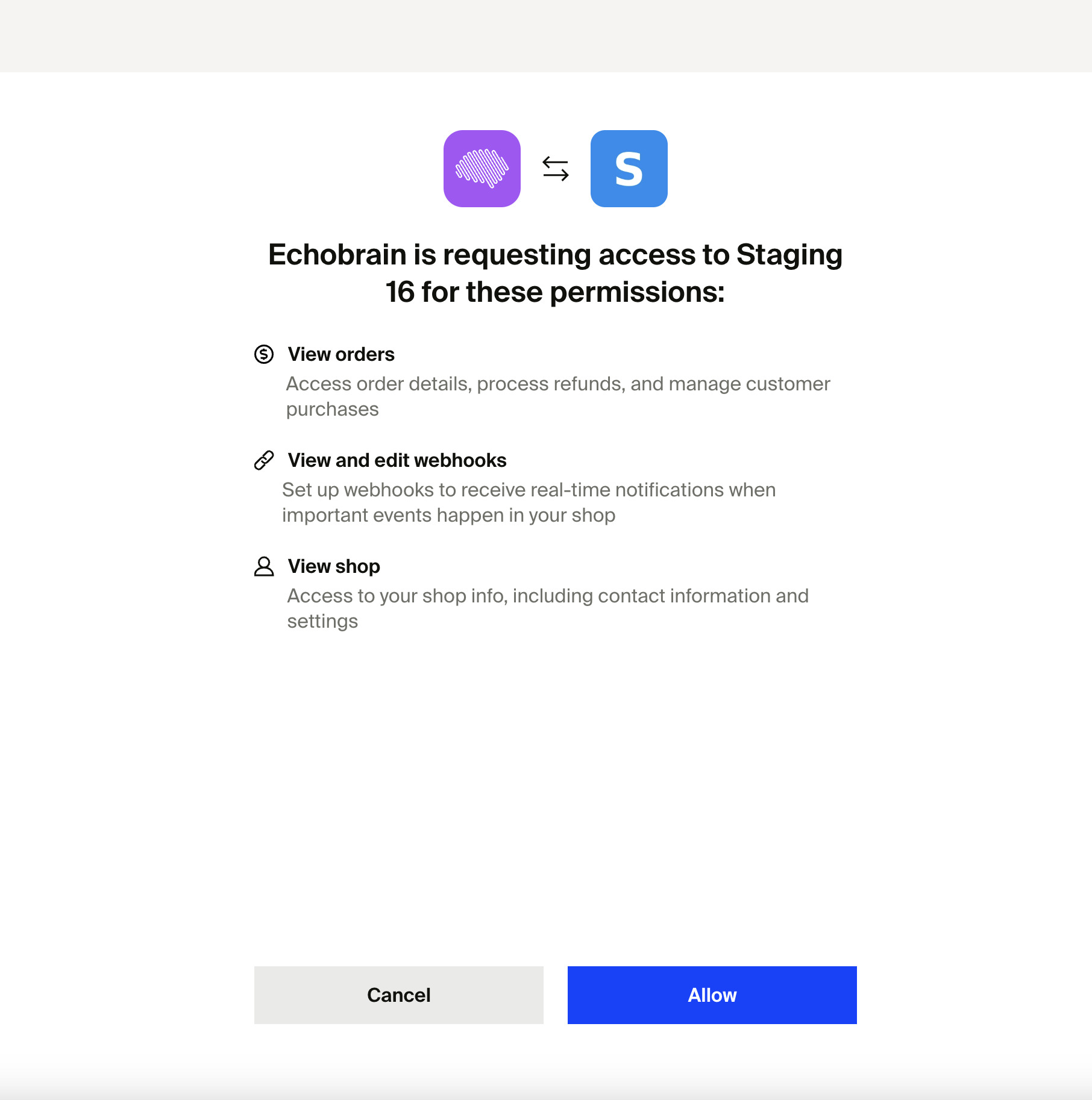
- Fourthwall will show you the shop you’re about to connect — or a list of your shops to choose from, if you manage more than one.
- Review the permissions EchoBrain requires (access to orders, webhooks, and shop details).
- Click Allow.
Step 3: You’re In!
That’s it — no confirmation code, no password to set. Once you click Allow, you’re dropped straight into your brand-new EchoBrain dashboard Home, fully connected to your Fourthwall shop. EchoBrain immediately starts syncing your shop’s products in the background, and your Home page shows the one thing left to do: the EchoBrain Integration Steps card, walking you through pasting a small script into your Fourthwall theme.
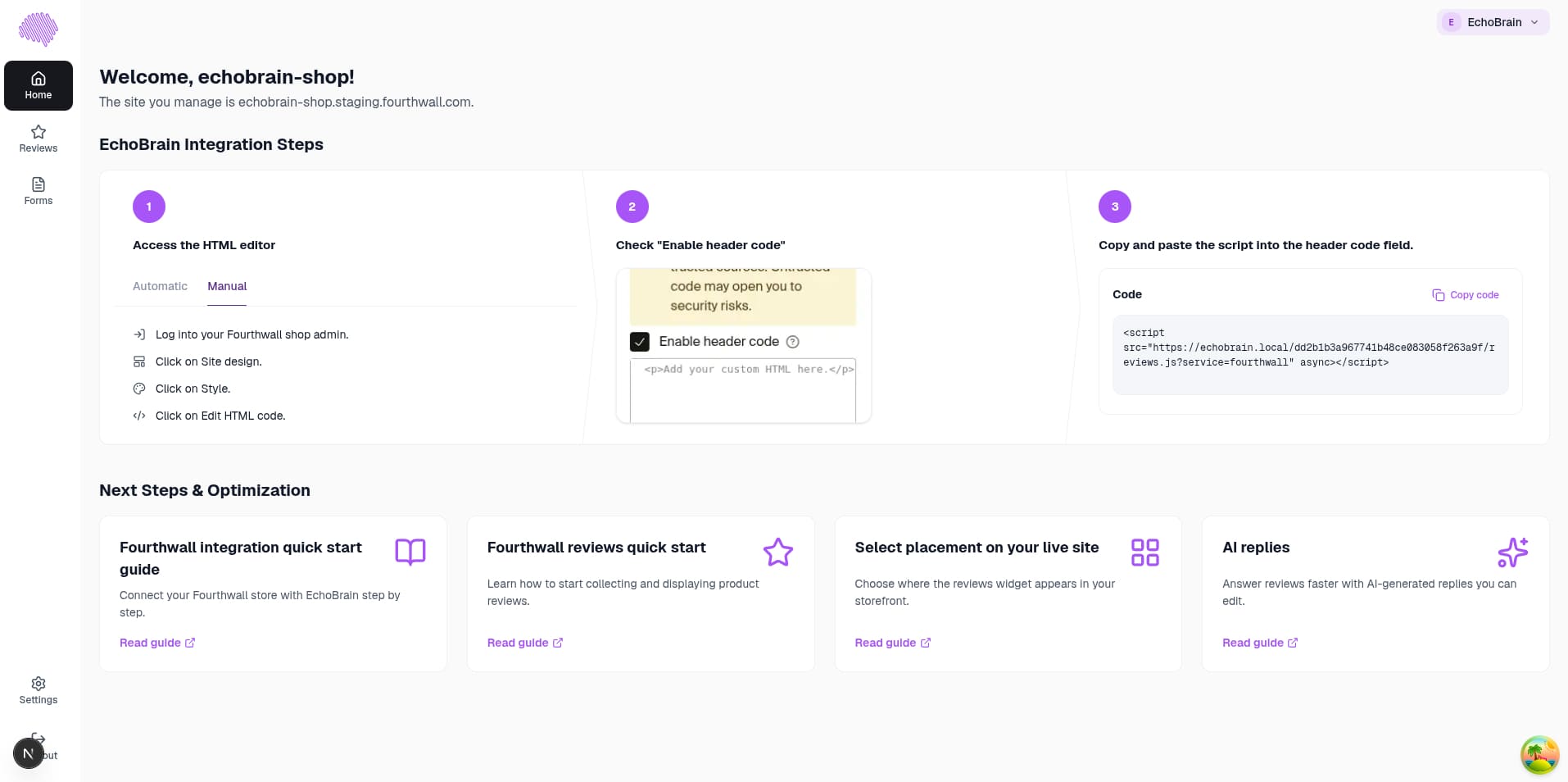
Last Step: Add the Script to Your Fourthwall Theme
Your products are already synced, but EchoBrain can’t collect or display reviews on your storefront until this script is in place. Right from the Home page:
- Access the HTML editor — log into your Fourthwall shop admin, click Site design, then Style, then Edit HTML code.
- Check “Enable header code”.
- Copy the code shown on your Home page and paste it into the header code field.
Once that’s saved, EchoBrain is fully live on your storefront. You can manage and display these reviews on your shop, improving credibility and increasing conversions. You can also start adding custom forms to your shop, and more. Here are some useful links for you to do so:
- Display reviews on your shop product pages and customize the way they are displayed: EchoBrain Reviews in your Fourthwall shop
- Display custom forms on your shop and start collecting data from your visitors and fans: EchoBrain custom forms
Need help? Visit the EchoBrain Documentation or contact support for assistance.